How to Display Digital Art on a TV: Image Ratios and Screen Fit
Display digital art on a TV without stretching it. Check the JPEG dimensions, compare Fit and Fill, and choose a license for your home or business.
Check the file ratio before choosing the display mode
AiiU landscape downloads are 3840 pixels wide, but they do not all have the same height. Many are 3840 × 2560, a 3:2 ratio. Some are 3840 × 2160, or 16:9. A file that is 3840 pixels wide is not automatically a native 3840 × 2160 image.
For example, The Canopy Café, Lazy Cat and Confetti Bloom each have a 3840 × 2560 landscape edition. Check the actual dimensions on each artwork or product page. This smaller web preview shows The Canopy Café's landscape composition, not the full-resolution download.
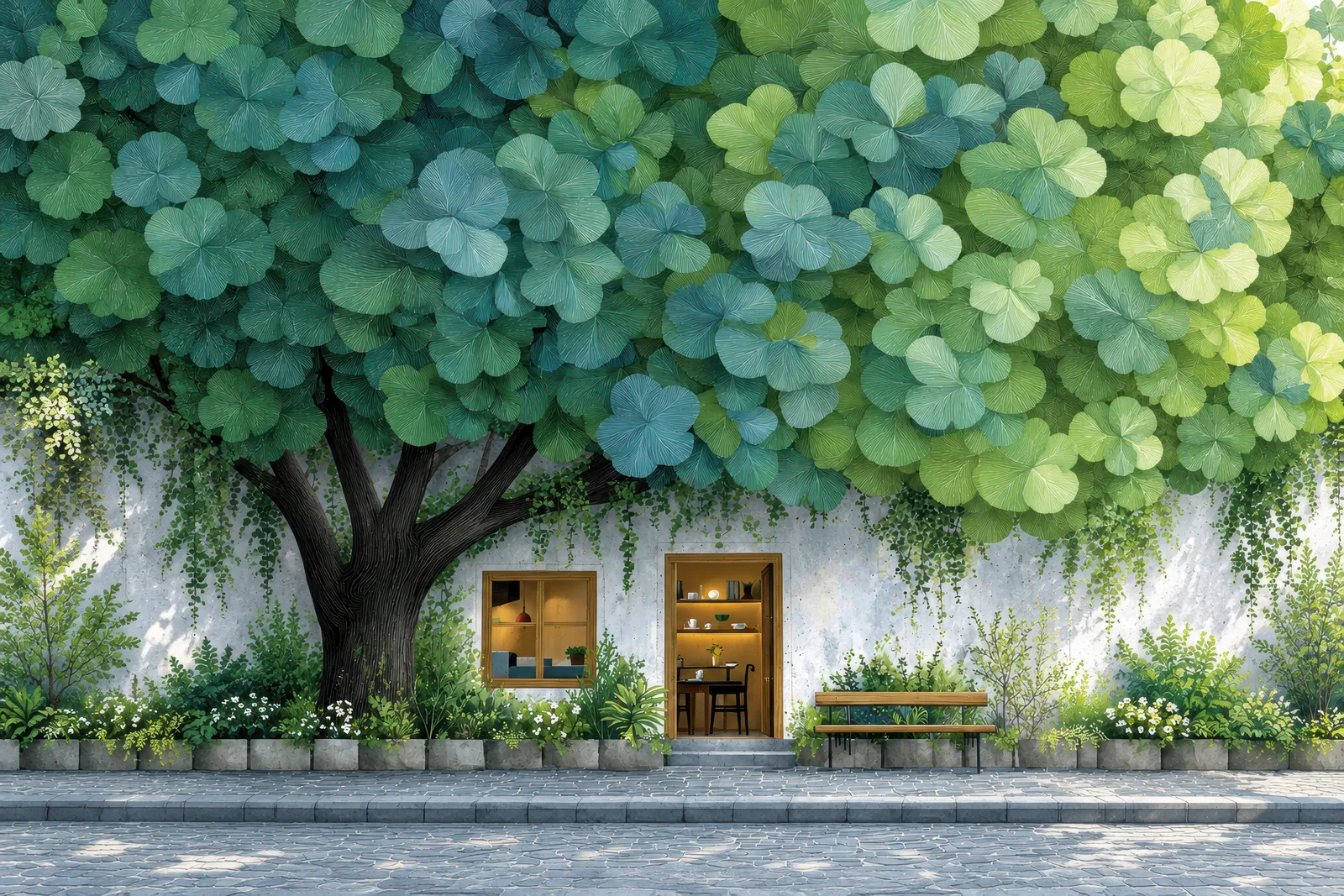
Fit preserves the image; Fill crops it
On a 16:9 display, a 3:2 image is proportionally taller than the screen.
| Display choice | What happens to a 3:2 image on a 16:9 screen |
|---|---|
| Fit / show full artwork | The whole composition remains visible, with space at the left and right. |
| Fill / cover the screen | The image fills the display, with part of the top and bottom cropped. |
| Stretch | The proportions change. Avoid this if you want to preserve the artwork's shapes. |
As a mathematical example, fitting a 3840 × 2560 image inside a 3840 × 2160 display produces a 3240 × 2160 image, leaving 300 pixels on each side. Filling that display at the image's original width crops 200 pixels from the top and 200 from the bottom. This example explains the ratio difference; it is not an extra file included with the purchase.
Use the Canopy Café screen preview: choose TV, then compare Fill screen and Show full artwork. The room view is a scene visualization, not a photograph of a tested installation. The same ratio comparison applies to a desktop monitor.
Check your own TV or image viewer
Before buying, check that your TV or connected image viewer can load JPEG files and offers a suitable image-fit setting. File transfer methods, picture controls, supported resolutions and automatic cropping vary by model. Follow your device manufacturer's instructions.
The downloads do not include a TV app, a device-specific installation service or device certification. The on-site preview helps compare compositions; it cannot guarantee the exact appearance on every display.
Choose the files and license you need
A personal single artwork includes portrait and landscape JPEG editions. A Desktop & TV Pack contains the landscape editions from one collection; desktop and TV use the same supplied files.
For a personal screen at home, consider The Canopy Café personal download or compare the Verdant Calm collection. Browse TV screen art for other subjects.
A business display needs a Commercial Display License: one business entity, one physical location, up to 10 screens. Extra locations, more screens, advertising or merchandise require a separate agreement. Read the license terms and commercial display options before choosing a business purchase. No license permits file resale or redistribution.
For portrait files on a smaller screen, see how to fit digital art on your phone.